Create Target Group
Create Target Group
In this step, we will create a Target Group.
Access the target group management interface
In the left navigation pane, click Target Groups.
Click Create Target Group.
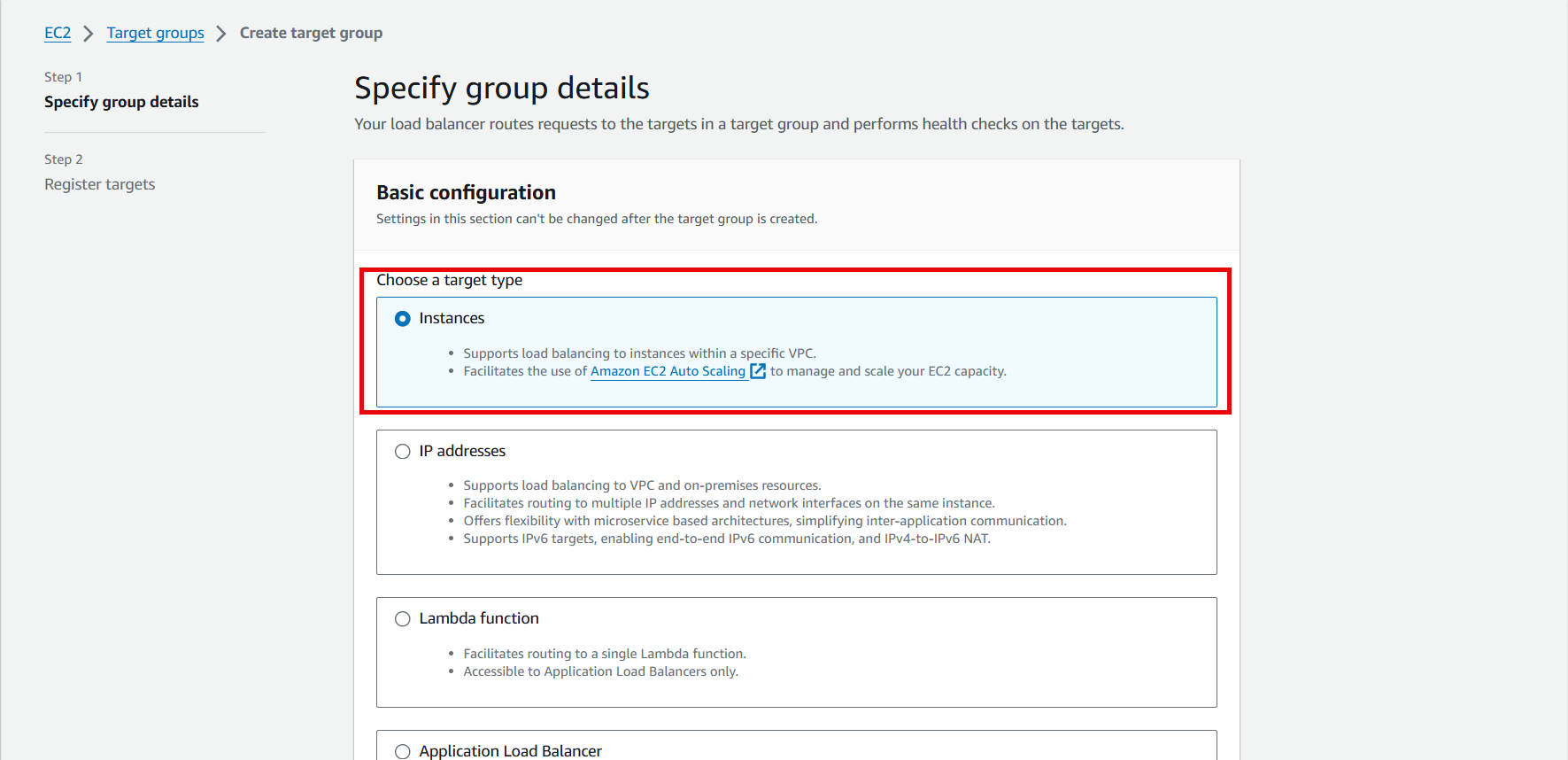
Select Target type as Instances.
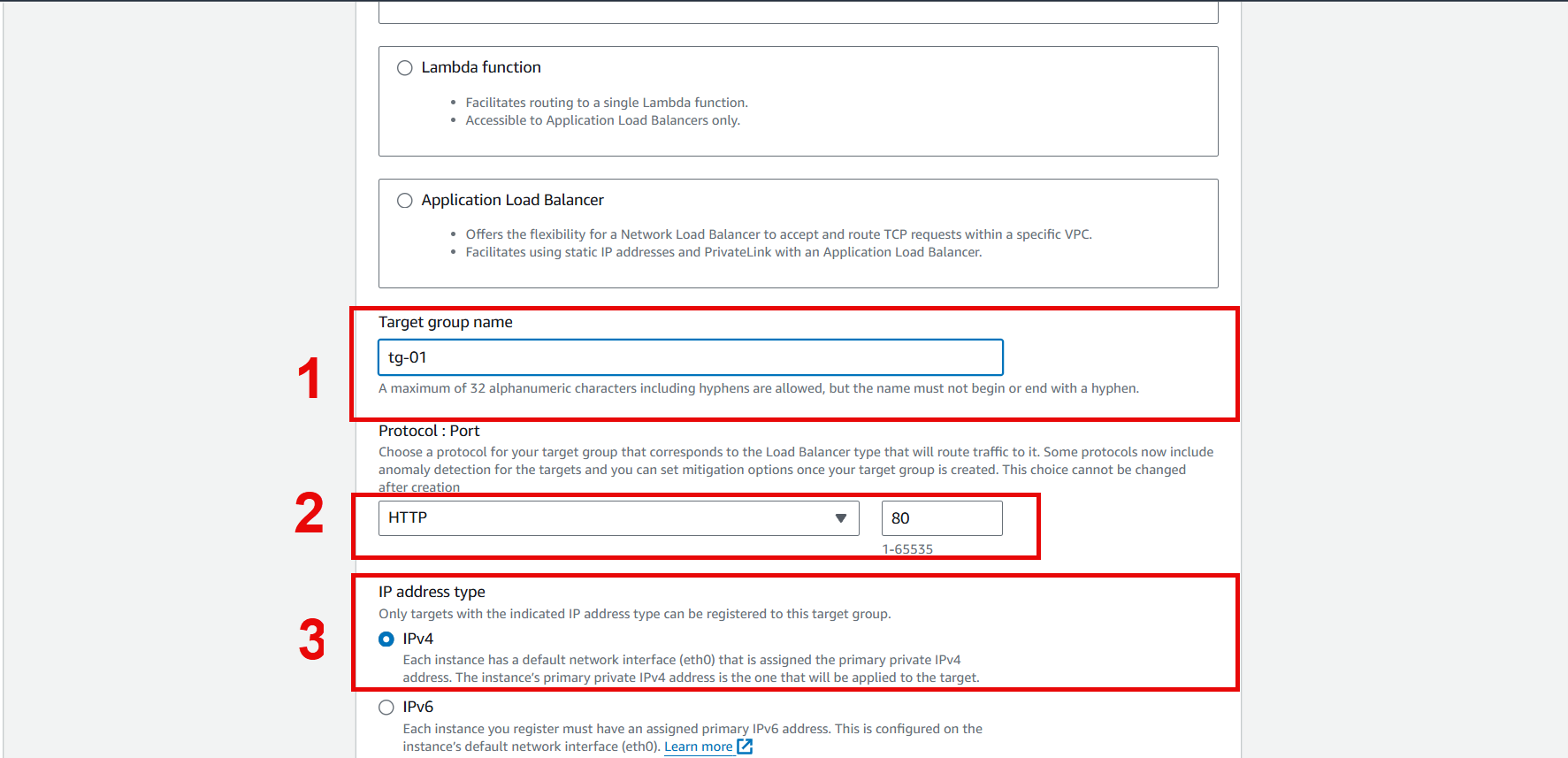
- Name the Target Group.
- Select port 80 as specified in the security group.
- Select IPv4
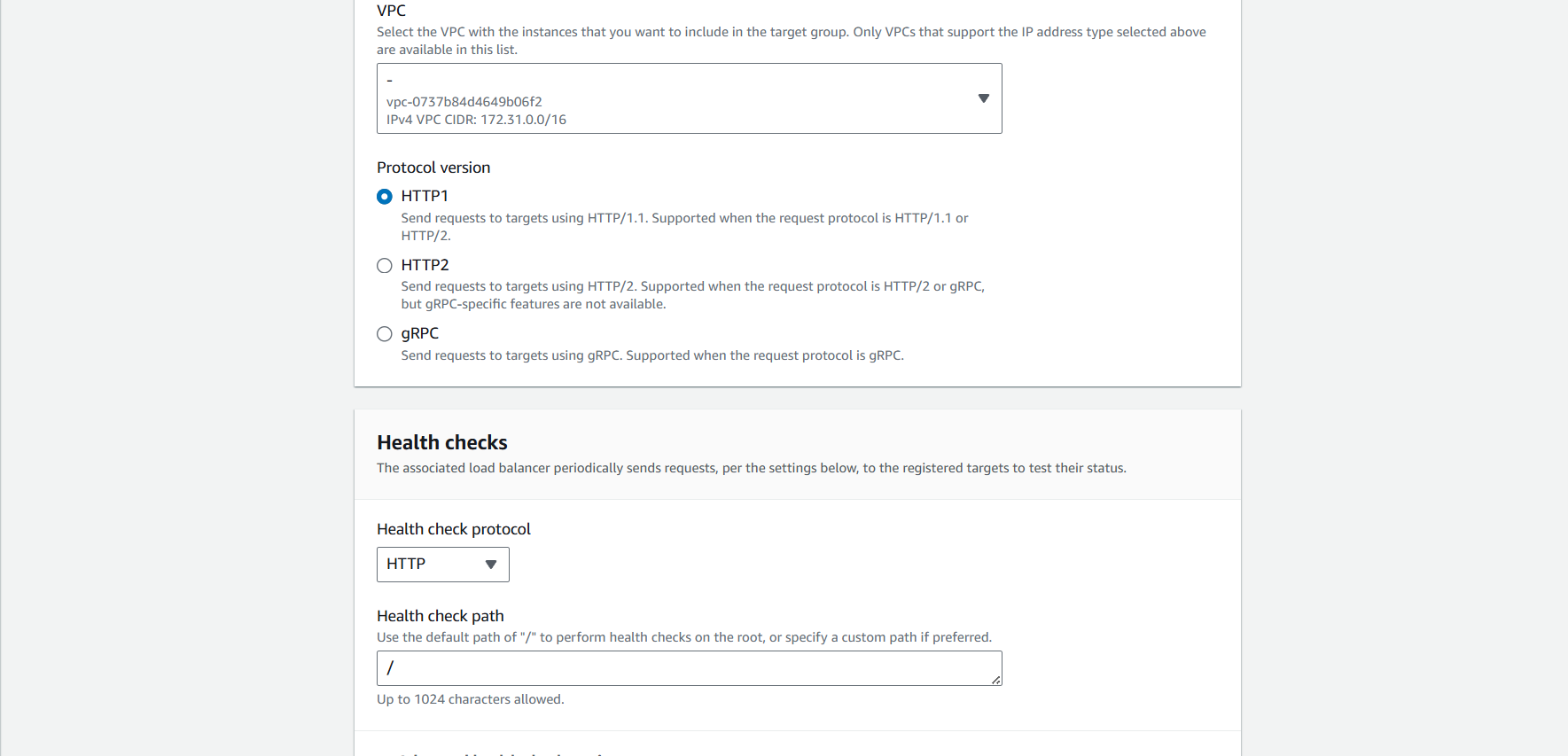
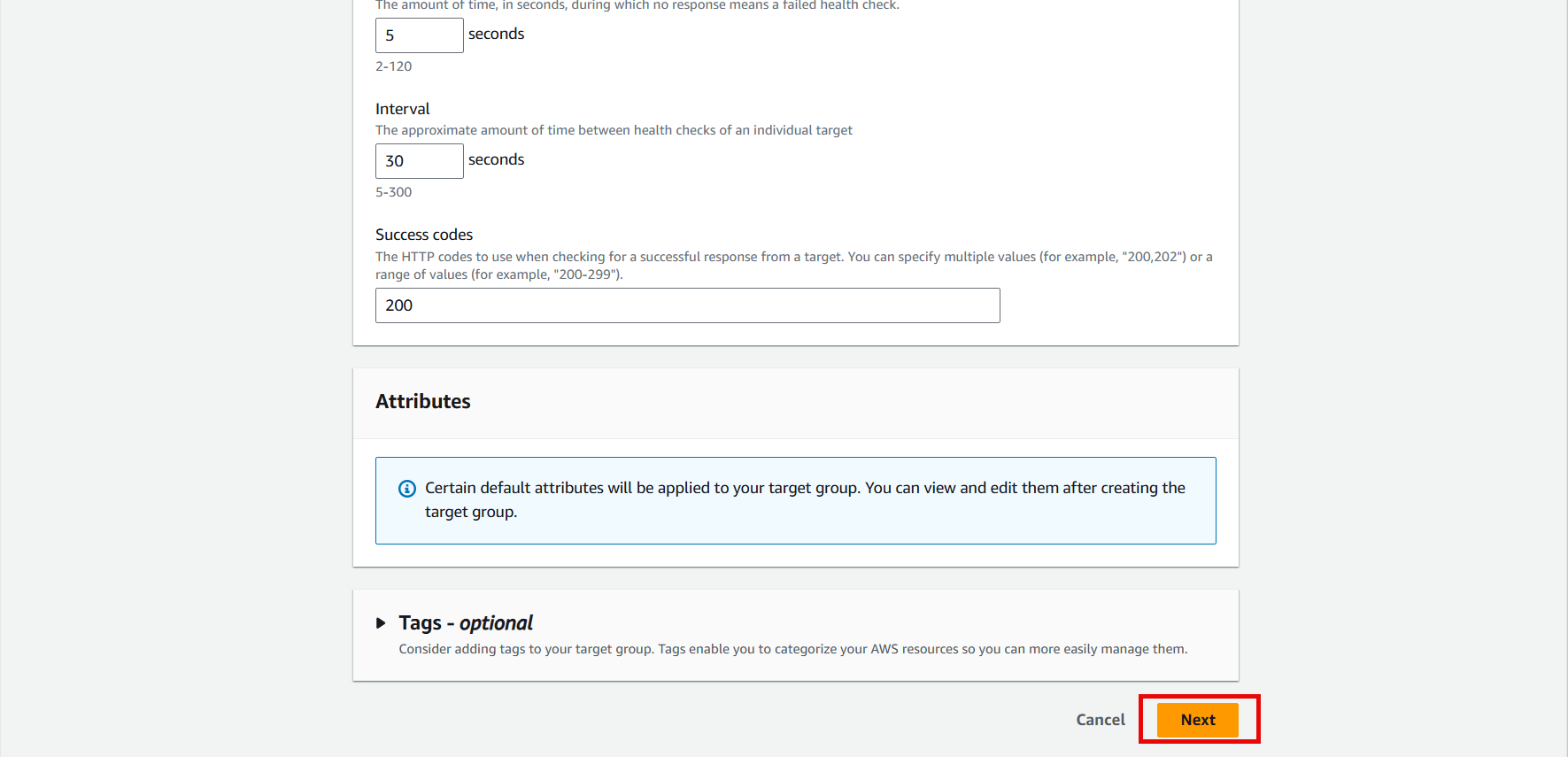
- Leave VPC and Health check as default.
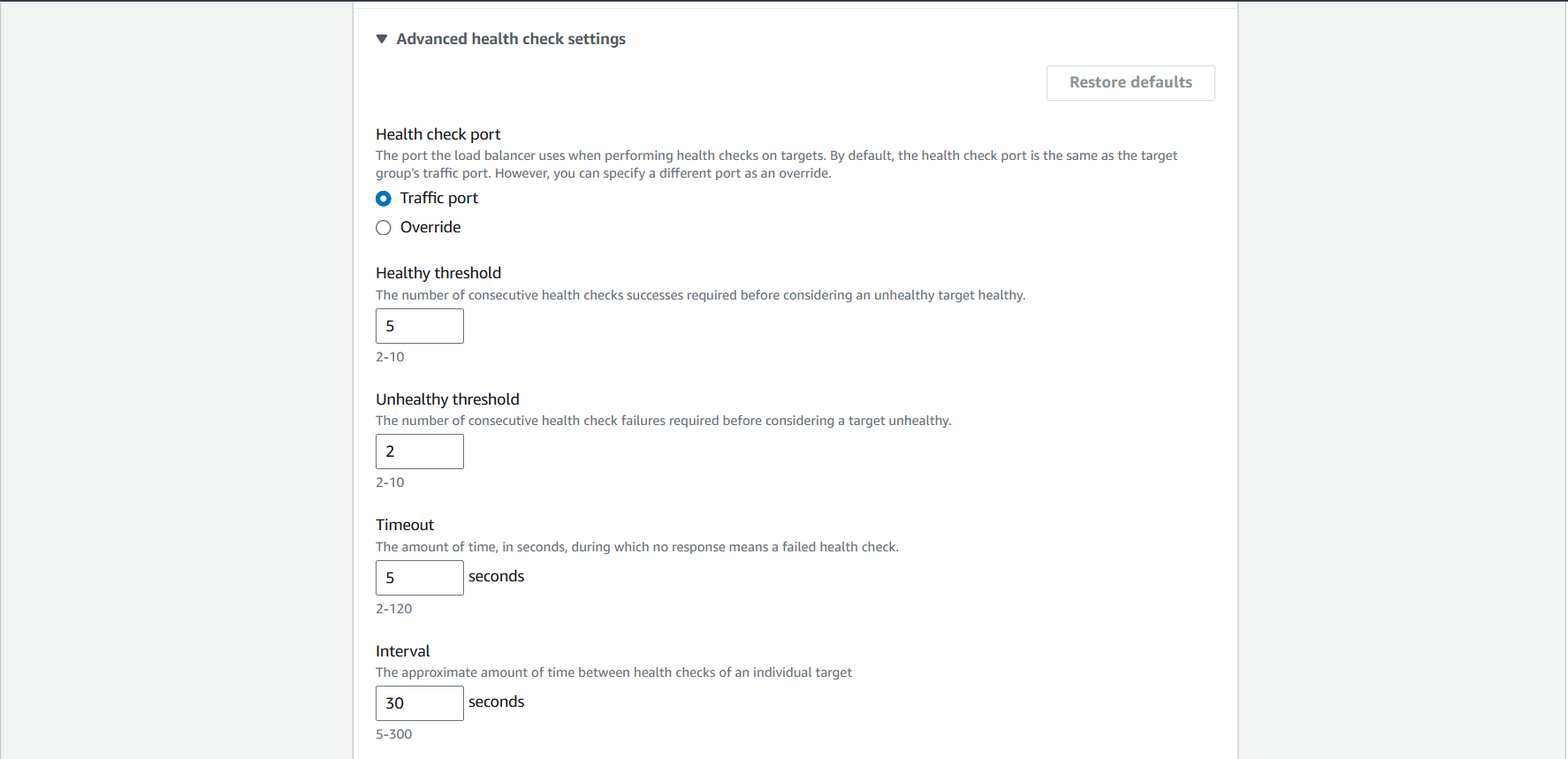
- You can customize the settings to determine if the instance is healthy or unhealthy.
- Click Next
- Select the instances to add to the target group.
- Click Include as pending below
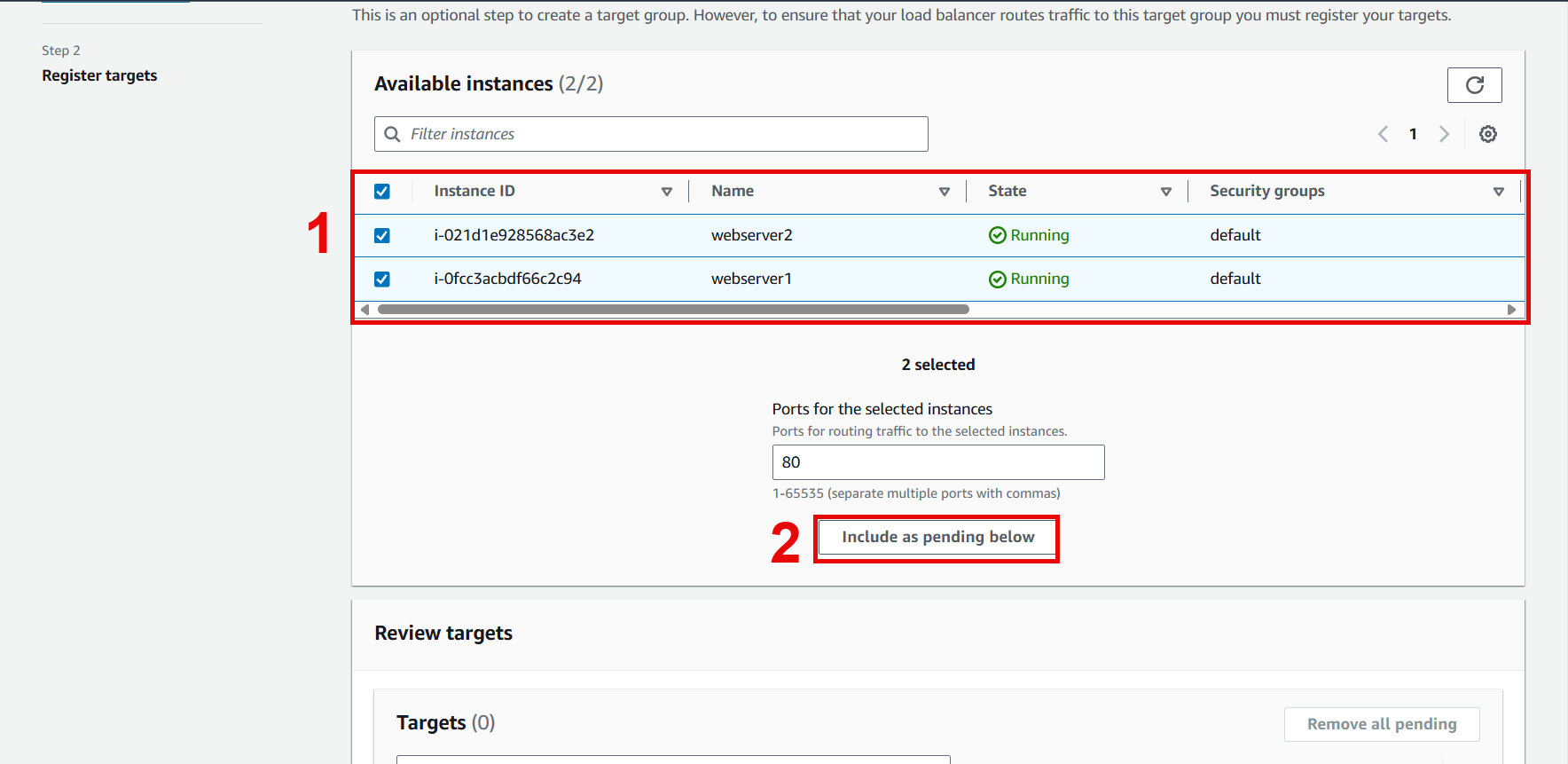
- The instances will be moved to Review targets
- Click Create target group
